¶ Data Validation
Once a GASKAP-OH field (scheduling block, or SB) has been observed and processed in ASKAPsoft, the final data products are deposited into CASDA (https://data.csiro.au/domain/casdaObservation).
These data need to be checked and validated before being released to the GASKAP-OH survey team.
As part of the ASKAPsoft pipeline, a validation report is produced for each observation and set of data products which contain metrics and statistics about the observations and processed data. This validation report can be used to determine if the data meets the GASKAP-OH data standards and should be accepted.
If the data products do not meet the GASKP-OH data standards, the data needs to be rejected. As the raw GASKAP-OH visibilities have a very large data volume, they are not stored once data has been processed. If data has been rejected, then the field(s) will need to be re-observed and re-processed through ASKAPsoft.
In this section we provide a guideline for the GASKAP-OH data standards and a tutorial for how to perform data validation and interpret the data validation reports.
If in doubt, please ask questions in the data validation channel on the GASKAP-OH slack.
¶ Accessing Data Validation Task
When a new scheduling block has been deposited into CASDA and is ready for data validation, the data validation team will recieve an email similar to this:
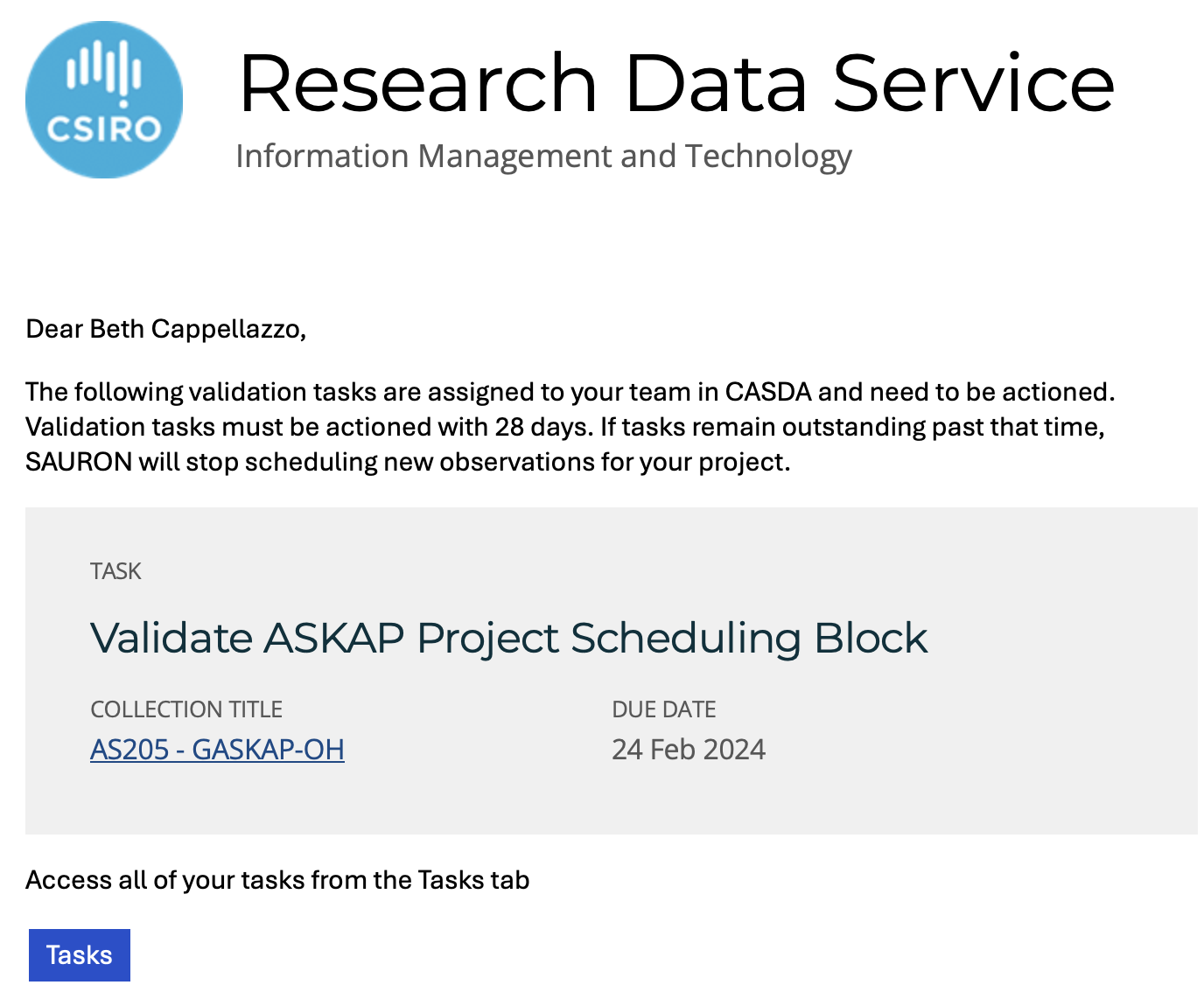
If you are able to perform the data validation, please fill in your name and the SBID in this spreadsheet (link) and post to the data validation slack channel.
Please note that the data validation needs to occur within 28 days after the data is put into CASDA. If the data validation is not completed within this timeframe, then the ASKAP scheduler (SAURON) will not schedule new observations for GASKAP-OH, which causes unnecessary delays in the completion of the survey.
If you are no longer able to do the data validation, let the team know in the data validation slack channel so the task can be reassigned to another team member.
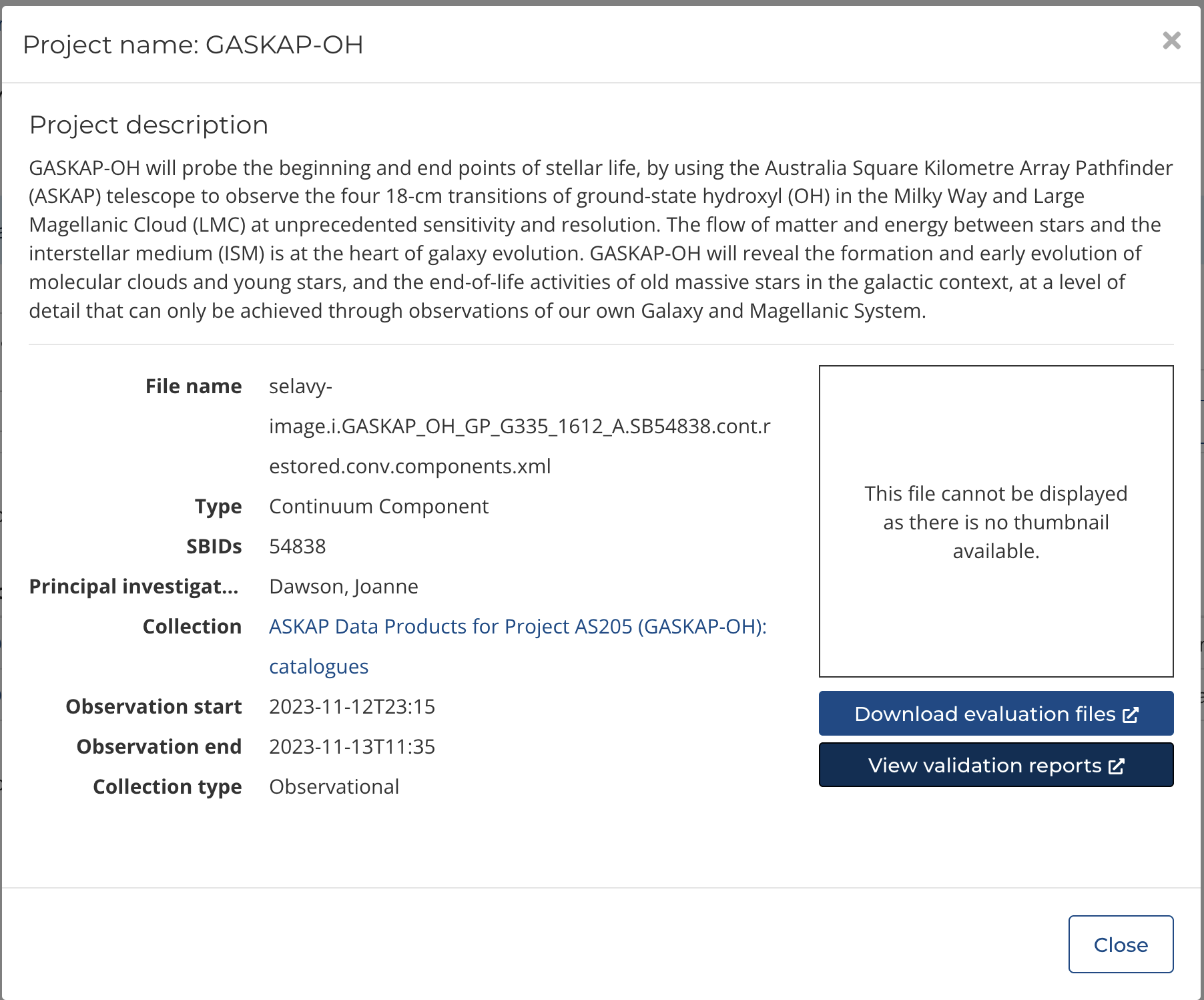
Once you have volunteered to validate a data set, go to your tasks in CASDA (note, you need to login).
To access the validation report for a scheduling block, click on the metadata:
¶ Data Validation Output - Continuum
TBC
¶ Data Validation Output - Spectral Cube
TBC
¶ GASKAP-OH Data Standards
TBC